How to Register a Win City Account in 5 Steps (2024 Guide)
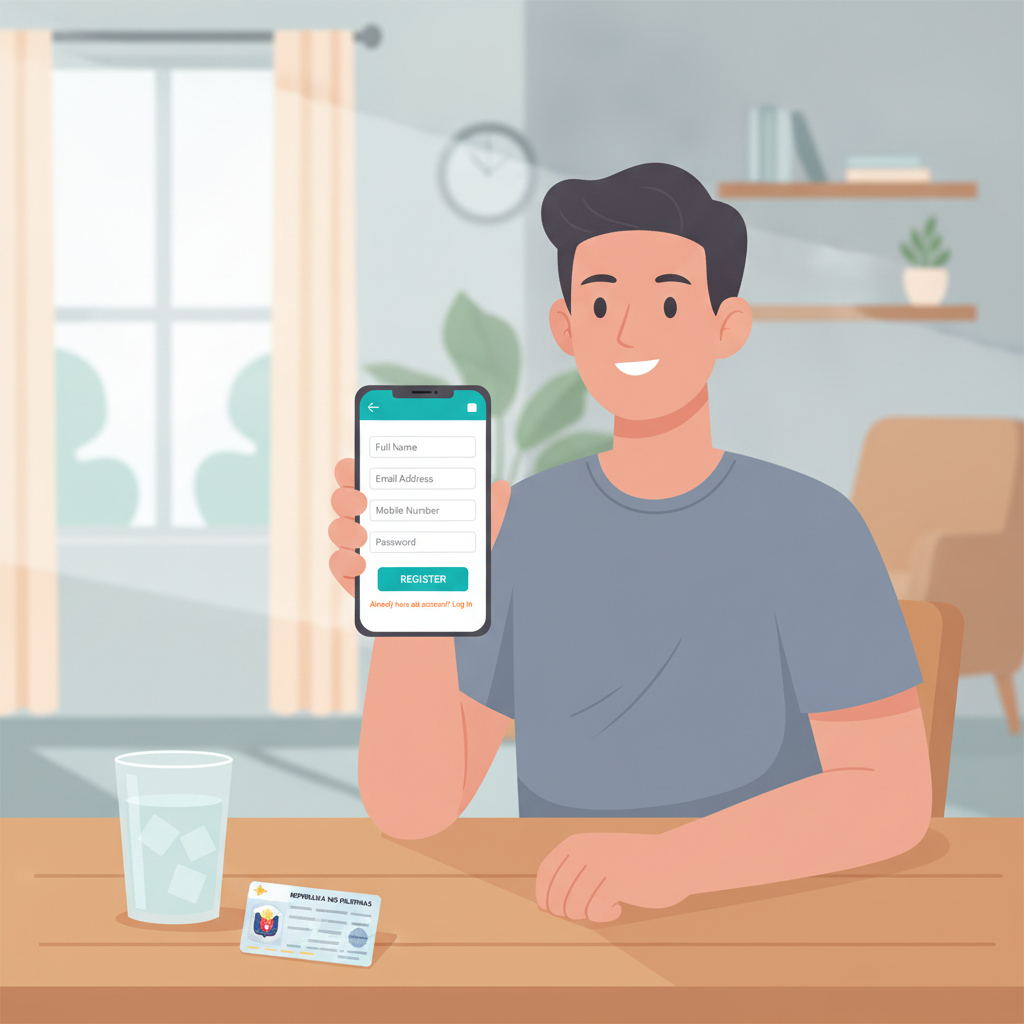
How to Register a Win City Account in 5 Steps (2024 Guide)
Win City is an online casino and sportsbook that serves Filipino players with slots, live dealer tables, sports betting on PBA and NBA, and bingo. Before you can place your first bet or spin a slot, you need to complete the Win City register process. This guide walks you through every step, from the documents you need to what happens after you submit your details.
Registration takes about five minutes on a mobile phone. Win City accepts players aged 21 and over.
What You Need Before You Start
Have these items ready before you open the Win City registration form:
Valid government-issued ID
Win City will ask you to verify your identity later. Accepted IDs include your Philippine passport, driver's license, UMID, SSS ID, Postal ID, or PhilHealth ID. The name on your ID must match the name you enter during registration.
Active mobile number
You will need a Philippine mobile number that can receive SMS. Win City sends a one-time PIN to this number during registration and may use it for account security notifications.
Email address
Choose an email you check regularly. Win City sends your registration confirmation and account updates to this address. You will also use your email to recover your account if you forget your password.
Age confirmation
You must be at least 21 years old to register. Win City verifies age through the birthdate on your ID.
Step-by-Step Walkthrough of the Win City Registration Form
Open the Win City website on your mobile browser or desktop. You do not need to download an app to register.
Step 1: Locate the registration button
On the Win City homepage, look for a button labeled "Register," "Sign Up," or "Join Now." It is usually placed in the top-right corner of the screen on mobile or near the login area.
Tap the button to open the registration form.
Step 2: Enter your personal information
The form asks for your full name, date of birth, mobile number, and email address. Type carefully—errors here can cause delays when you verify your ID or try to withdraw funds later.
- Full name: Enter your complete legal name exactly as it appears on your government ID. Use the same spelling, including middle names or initials.
- Date of birth: Select your birthdate from the calendar picker. This confirms you are 21 or older.
- Mobile number: Enter your 11-digit Philippine mobile number in the format 09XX-XXX-XXXX or as the form requests.
- Email: Provide a working email address you can access immediately.
Step 3: Choose your login details
You will create a username and password for your Win City login.
- Username: Pick a unique username. This is what you will type every time you log in. Some players use a nickname or a combination of letters and numbers.
- Password: See the next section for password tips.
Step 4: Review terms and confirm age
The form includes a checkbox confirming you have read the terms and conditions and that you are at least 21 years old. Tick this box to proceed. Win City is for adults only.
Step 5: Submit your registration
Double-check every field, then tap "Submit," "Register," or "Create Account." If any required field is missing or incorrectly formatted, the form will show an error message. Correct it and submit again.
Choosing a Secure Password and Setting Your Currency to PHP
Password requirements
Win City requires a strong password to protect your account. Most casino platforms ask for:
- At least 8 characters
- A mix of uppercase and lowercase letters
- At least one number
- At least one special character (such as @, #, $, or %)
Avoid obvious choices like "password123" or your birthdate. Instead, combine random words, numbers, and symbols into a phrase you can remember but others cannot guess.
Write your password down in a secure place or save it in a password manager on your phone. You will need it every time you perform a Win City login.
Setting your account currency to PHP
During or immediately after registration, Win City asks you to select your account currency. Choose Philippine peso (PHP).
Once you set your currency, you usually cannot change it. All deposits, bets, and withdrawals will be in pesos. This is important because Win City supports GCash, Maya, and local bank transfers over InstaPay and PESONet—all peso-based payment channels.
If the form does not show a currency field, PHP may be selected automatically based on your location. Check your account dashboard after registration to confirm.
What Happens After You Submit Your Registration
Email confirmation
Within a few minutes, Win City sends a confirmation email to the address you provided. Open the email and click the verification link. This activates your account and confirms your email is valid.
If you do not see the email, check your spam or junk folder. You may also request a new confirmation email from the Win City login page.
Mobile number verification
Some platforms send an SMS with a one-time PIN to your mobile number. Enter this PIN on the verification screen to complete mobile verification. This step adds security to your account and helps Win City contact you if needed.
Account dashboard access
Once your email and mobile number are verified, you can log in to your Win City account. Your dashboard shows your account balance (currently zero), available games, sports betting markets, and deposit options.
ID verification
Win City does not always ask for ID immediately. Many players can make their first deposit and start playing before uploading documents. However, you will need to verify your identity before making your first withdrawal.
When Win City requests verification, log in and navigate to the account or profile section. Upload a clear photo or scan of your government ID. The platform usually reviews documents within 24 to 48 hours. Once approved, you can withdraw your winnings to GCash, Maya, or your bank account.
Keep your ID handy even if verification is not required right away. Completing it early prevents delays later.
Making Your First Deposit
After you complete the Win City register process, you can fund your account. Win City accepts deposits via:
- GCash: Instant transfer from your GCash wallet.
- Maya: Instant transfer from your Maya account.
- Bank transfer: InstaPay for real-time transfers or PESONet for next-day settlement.
Minimum deposits on most Philippine casino platforms range from PHP 100 to PHP 200. Check the cashier or deposit page inside your Win City account for the exact minimum and any current promotions.
To deposit, log in, tap "Deposit" or "Cashier," choose your payment method, enter the amount in pesos, and follow the prompts. Funds usually appear in your account within seconds for GCash and Maya, or within minutes to hours for bank transfers.
How to Log In to Your Win City Account
After registration, you will use your Win City login details every time you want to play.
- Open the Win City website on your mobile browser or desktop.
- Tap "Login" or "Sign In" at the top of the page.
- Enter your username (or email, depending on the platform's login options) and the password you created.
- Tap "Login."
If you forget your password, click "Forgot Password" on the login screen. Win City will send a password-reset link to your registered email. Follow the link, create a new password, and log in again.
Always log out when you finish your session, especially if you share your phone or use a public device.
21+ Only and Responsible Gambling Reminder
Win City is strictly for players aged 21 and over. Online gambling is an adult activity regulated to protect minors and vulnerable individuals.
Set a budget before you play. Deposit only what you can afford to lose, and never chase losses. Win City and most legitimate platforms offer tools to help you stay in control:
- Deposit limits: Cap how much you can add to your account per day, week, or month.
- Session reminders: Get alerts after a set amount of time.
- Self-exclusion: Temporarily or permanently close your account if you need a break.
If you or someone you know is struggling with gambling, seek help from a local support service. Gambling should be entertainment, not a way to make money or solve financial problems.
Final Checklist
Before you finish the Win City register process, confirm:
- Your full legal name matches your government ID.
- Your mobile number and email are correct and accessible.
- You have chosen a strong, unique password.
- Your account currency is set to PHP.
- You are 21 years or older.
Once you submit your registration and verify your email, you are ready to explore Win City's slots, live dealer tables, and sports betting markets. Deposit using GCash, Maya, or bank transfer, and remember to play responsibly.
Win City registration is straightforward and mobile-friendly. Follow these five steps, keep your login details secure, and enjoy your first session on the platform.